
Built for ourselves, shared with everyone
Welcome,
At Growing Faith, most of our days go into one thing: helping people get to know God and the Bible through free courses and personal mentors. But along the way we regularly find ourselves wishing for a tool that doesn't quite exist, or not in the shape we would like. So every now and then, we build one ourselves.
These little utilities have nothing to do with our courses. They simply scratch an itch of our own, like keeping a growing pile of photos in order. They start out small, made for our own use and for nobody else.
But once a tool has earned its place in our own daily work, it feels like a waste to keep it to ourselves. If it is useful to us, it may well be useful to you. So we tidy it up, put it in the App Store, and share it with the rest of the world.
That is what this corner of Growing Faith is for. So far it holds one app, Project Gallery. More will follow.
Our apps
Project Gallery
Photos in your own folders
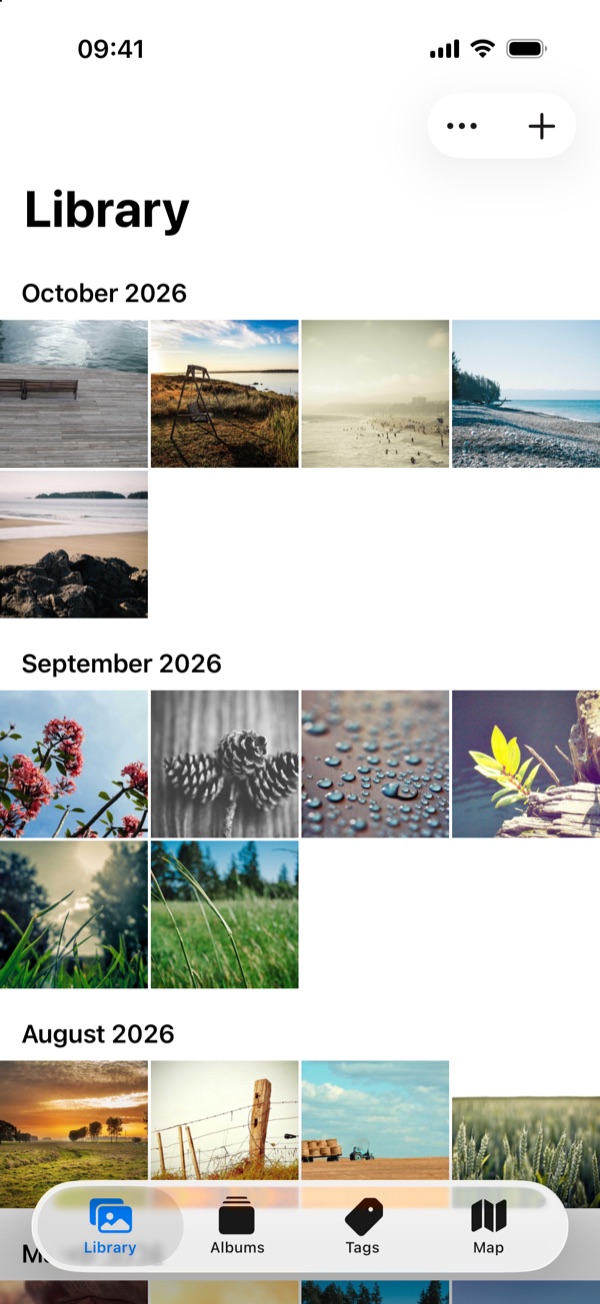
Project Gallery is a calm photo and video library built on plain files. Everything you add lives in a folder in your own iCloud Drive, where you can see it, copy it and back it up like any other file. Browse by date, album, tag or place. Your files stay yours, exactly as you saved them.
-
Library
See all your photos and videos in one grid, sorted by the date they were taken and grouped by month.
-
Albums are folders
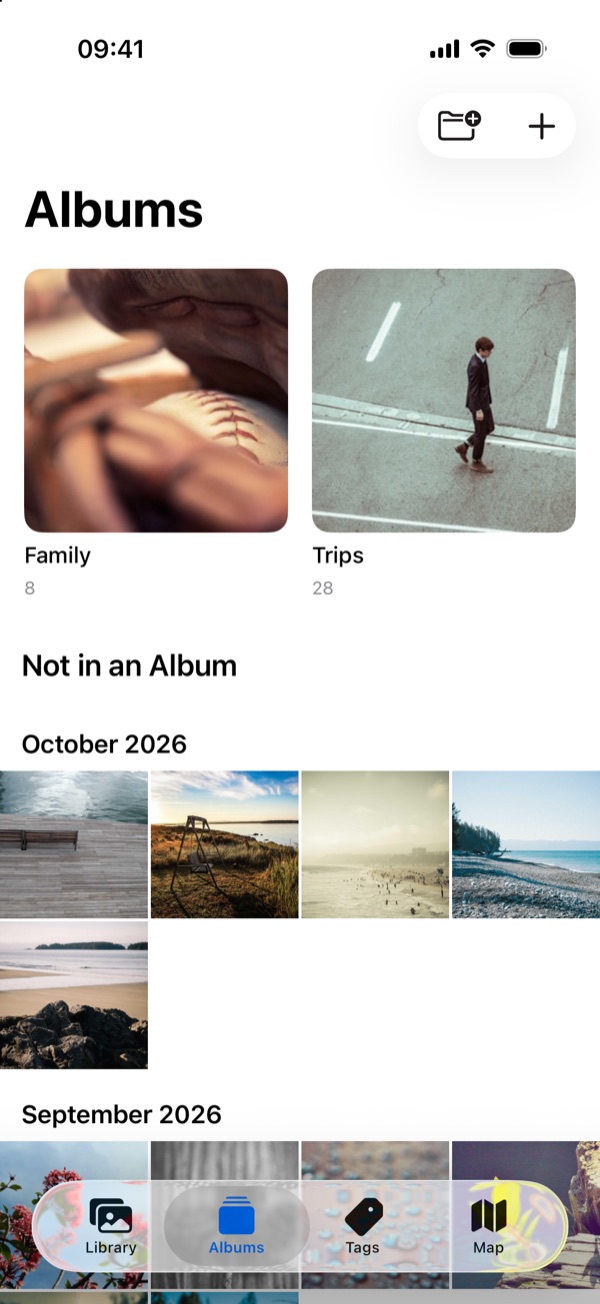
Every folder in your library is an album. Create an album in the app and a folder appears in iCloud Drive. Reorganize your folders on a Mac and the app follows.
-
Tags
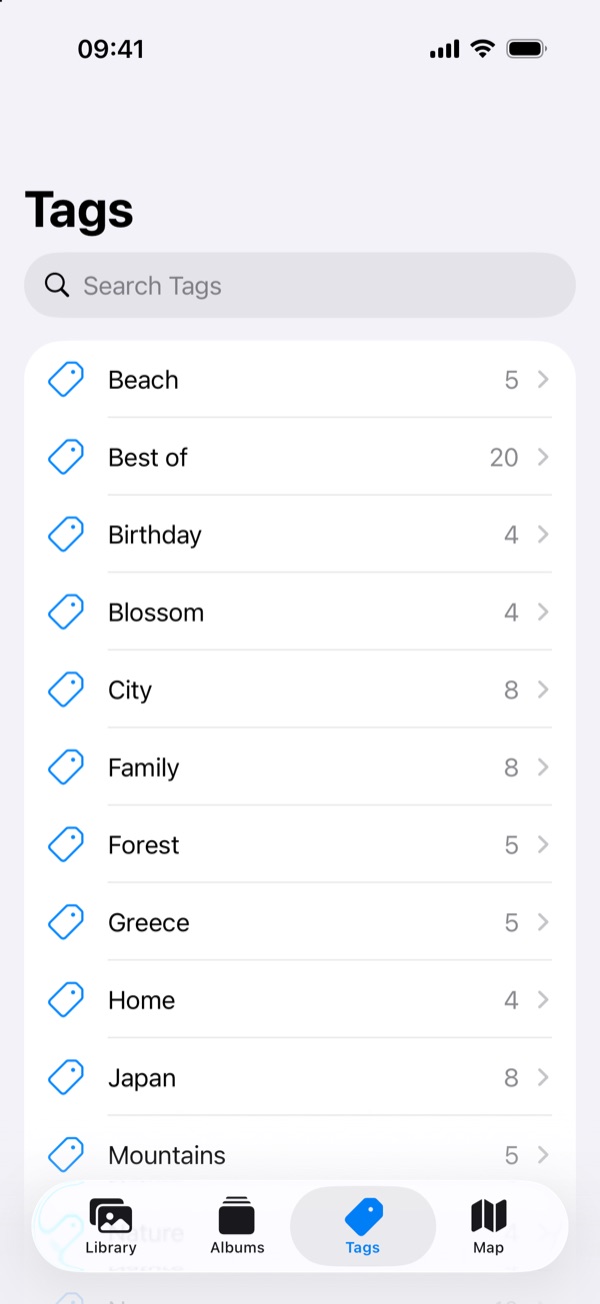
Keywords already stored inside your photos show up as tags. Tap a tag to see everything that carries it.
-
Map
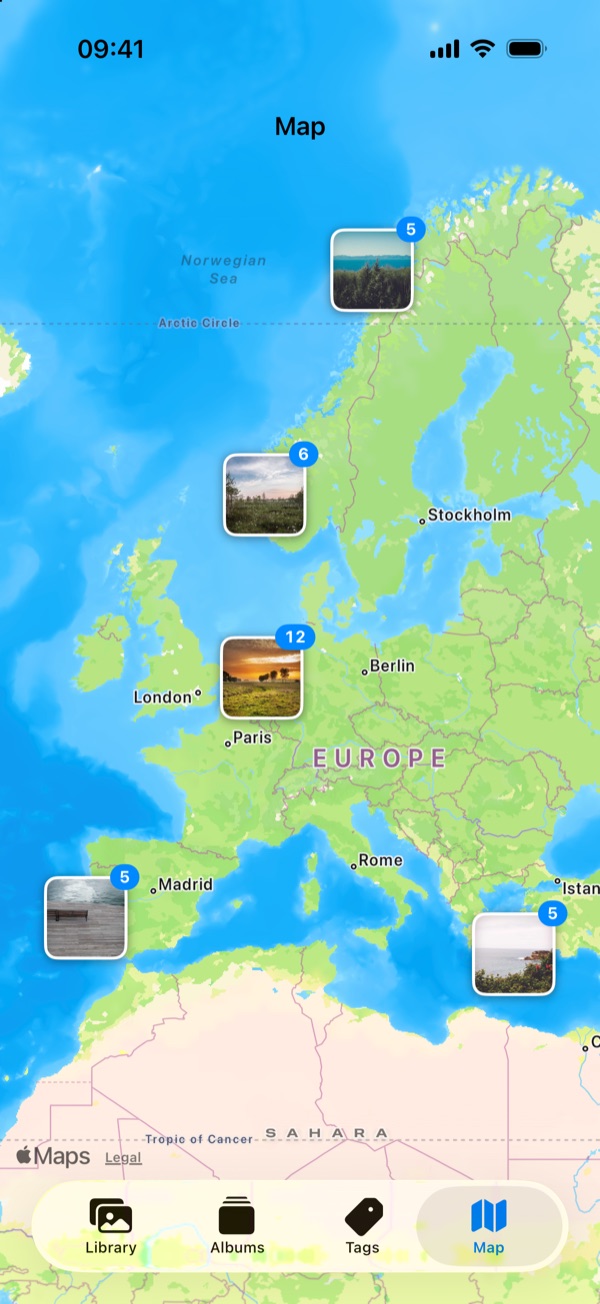
Photos and videos with a location are gathered on a map. Zoom in to see where each one was taken.
-
Viewer
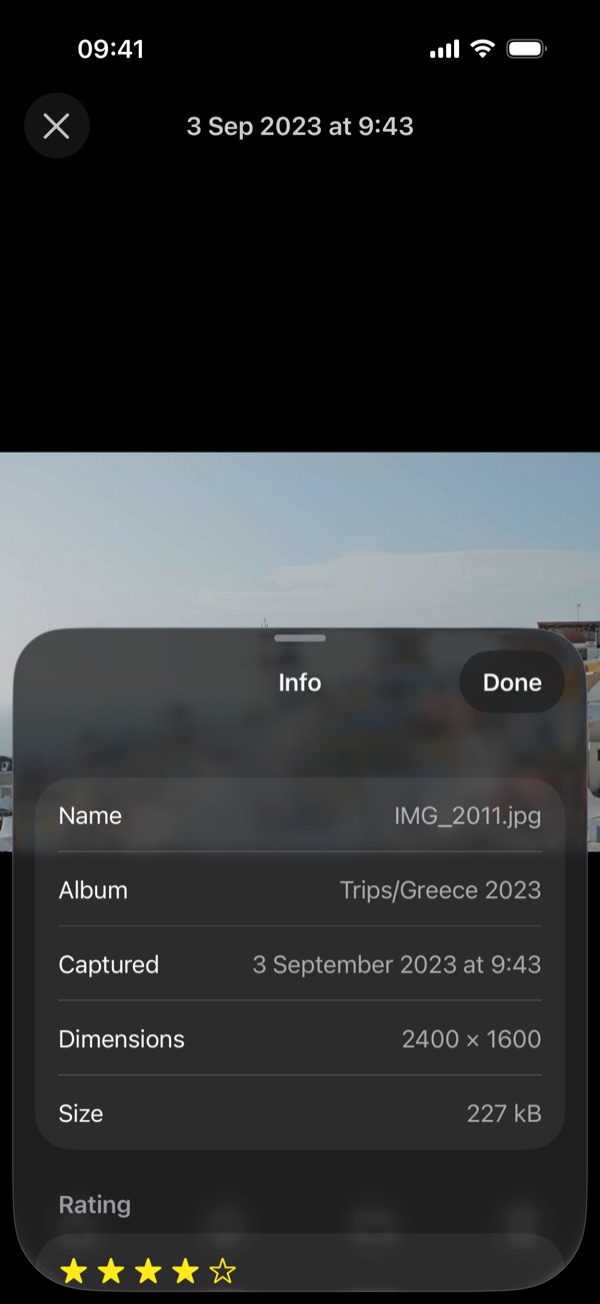
Swipe through your library, pinch to zoom, play videos, and check the details of any item: capture date, size, tags, rating and place.
-
Import
Bring items in from the Photos app or from Files. Originals are copied as they are, with their metadata intact.
More apps will follow. When they do, you will find them here.
Support
Stuck, found a bug, or missing something? The support page answers the most common questions and tells you how to reach us.
Privacy
Your photos and files are yours, not ours. The privacy policy explains in plain words what each app does, and does not do, with your information.
Growing Faith
Curious what we do the rest of the time? Growing Faith offers free Bible courses, each with a personal mentor. Have a look at growing.faith.